iOS · Android · Wear OS
NutriMotion
A fitness platform covering food, strength training, outdoor cardio, body metrics, social groups and Wear OS.
Product scope
Food, lifting, cardio, body metrics and social features in one app.
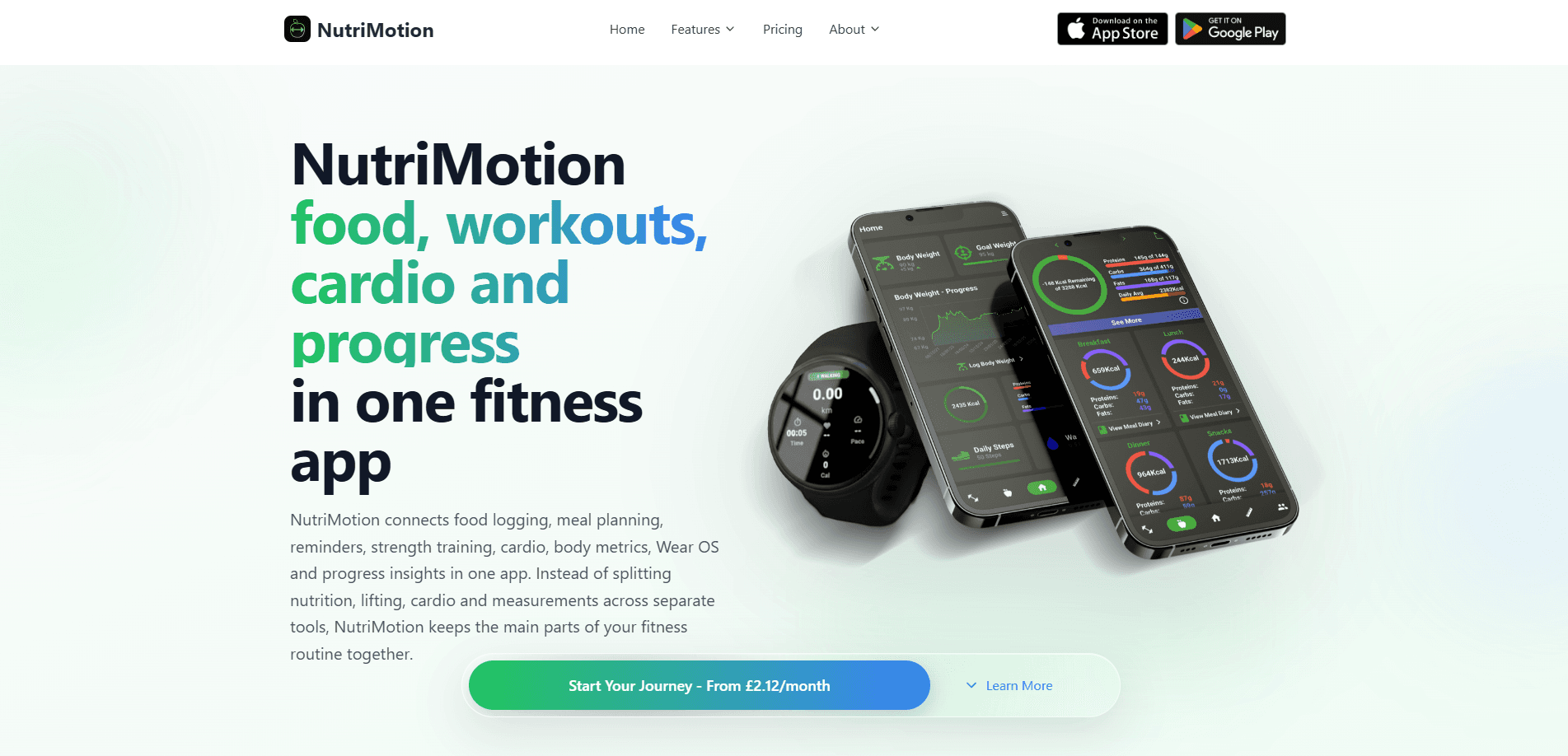
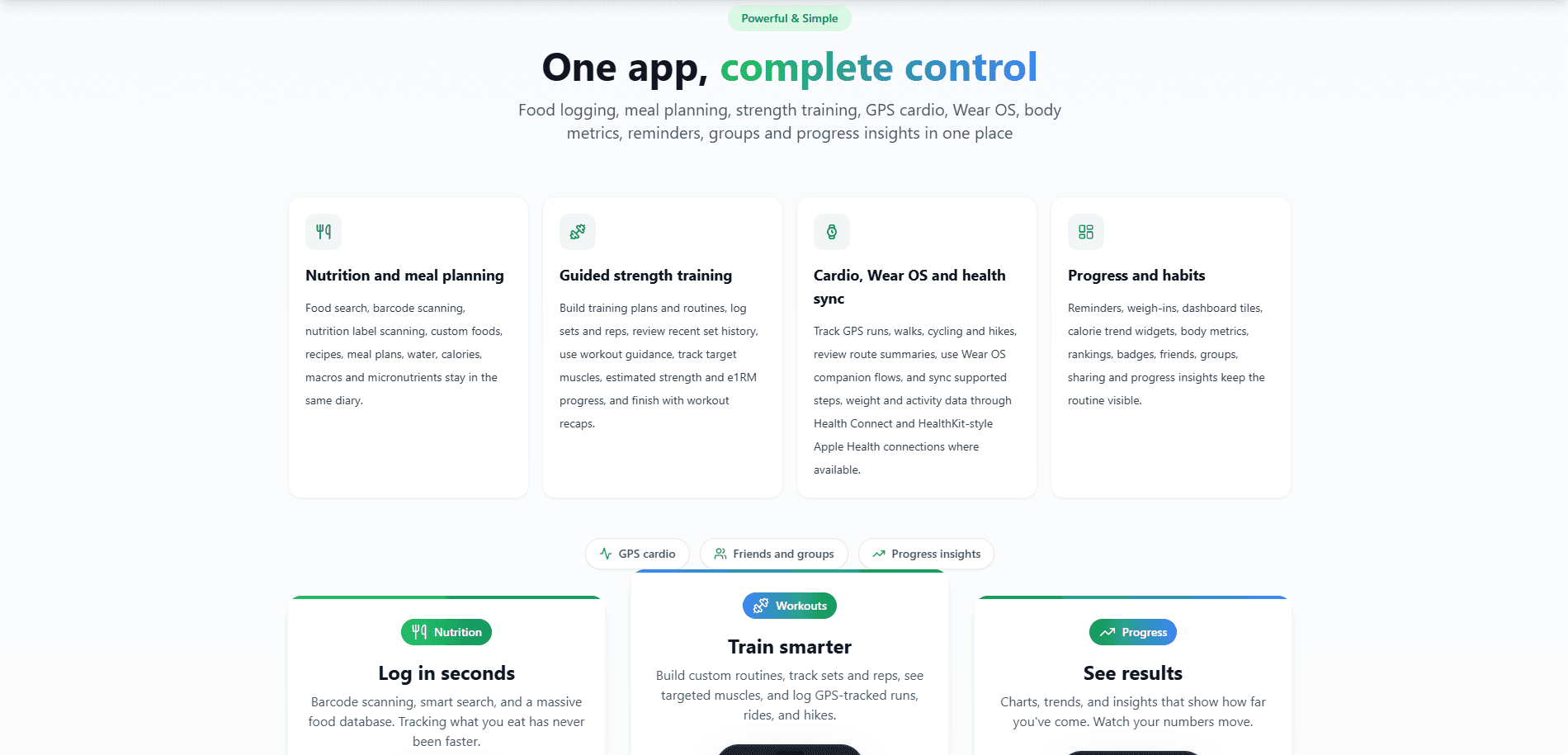
NutriMotion combines a meal-based food diary, training plans, GPS activities, progress tracking and community features in the same mobile app. A configurable home dashboard surfaces the parts each person uses most, while Wear OS handles quick checks and workout actions from the wrist.
Food diary and meal planning
Search, scan or build a food once, then reuse it.
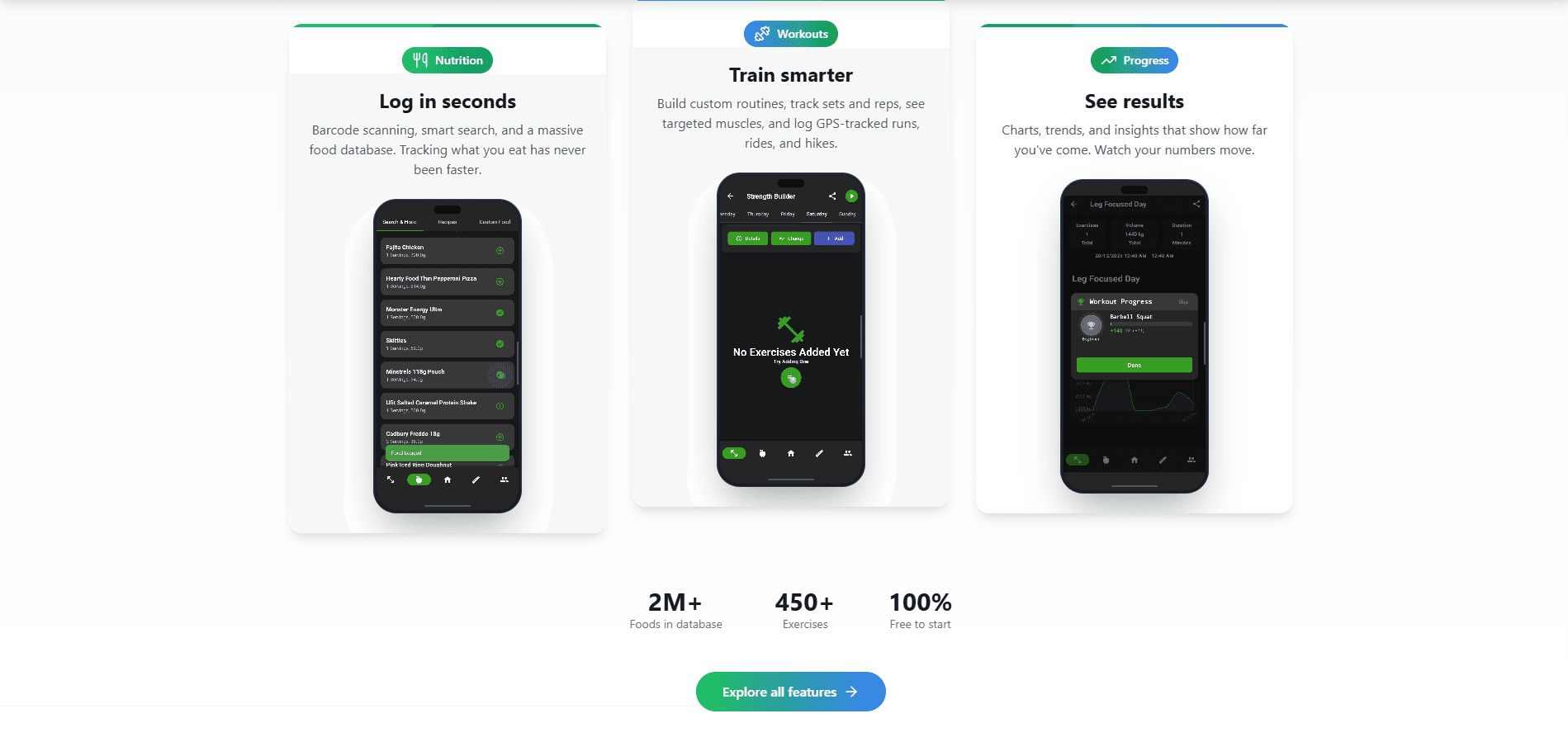
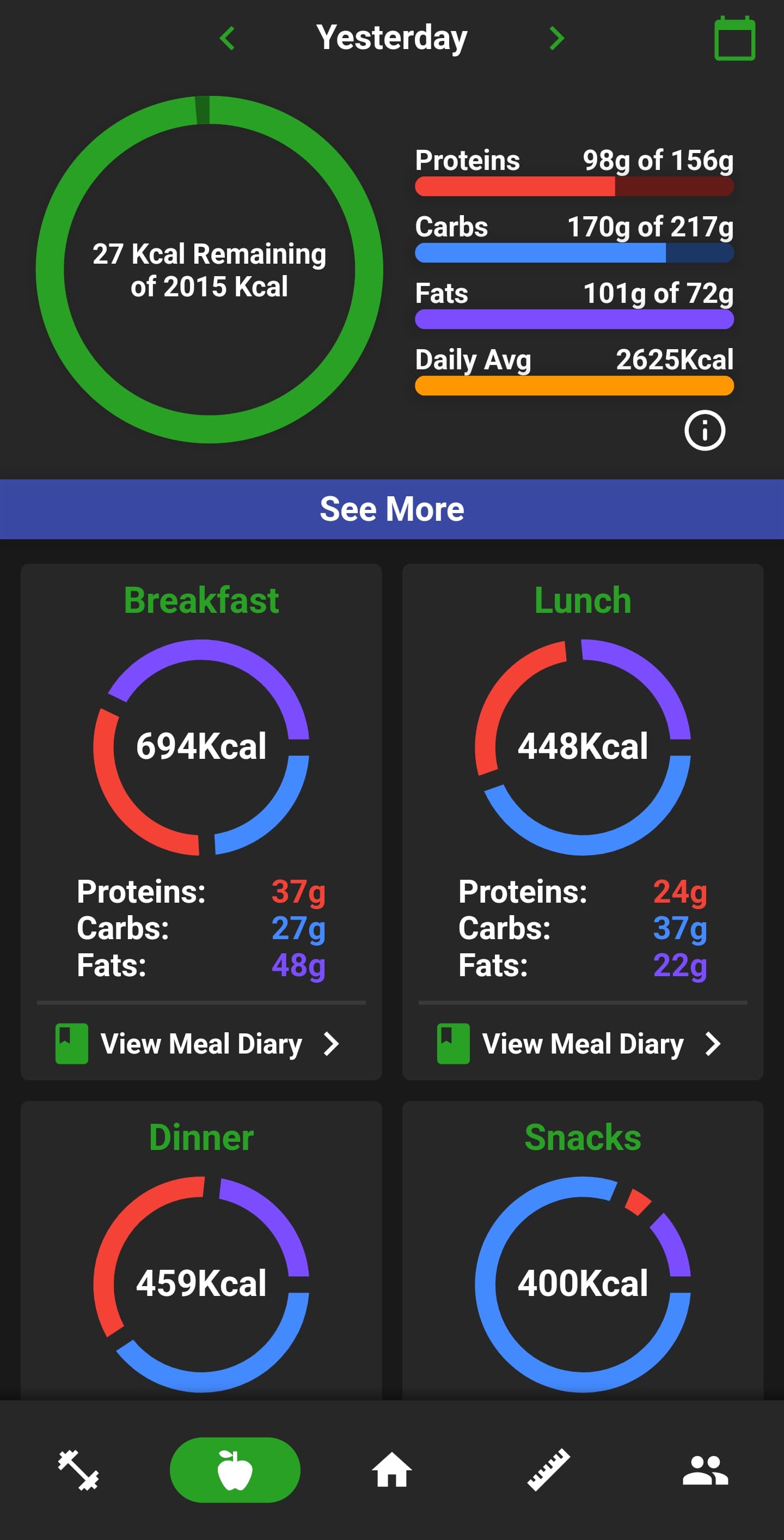
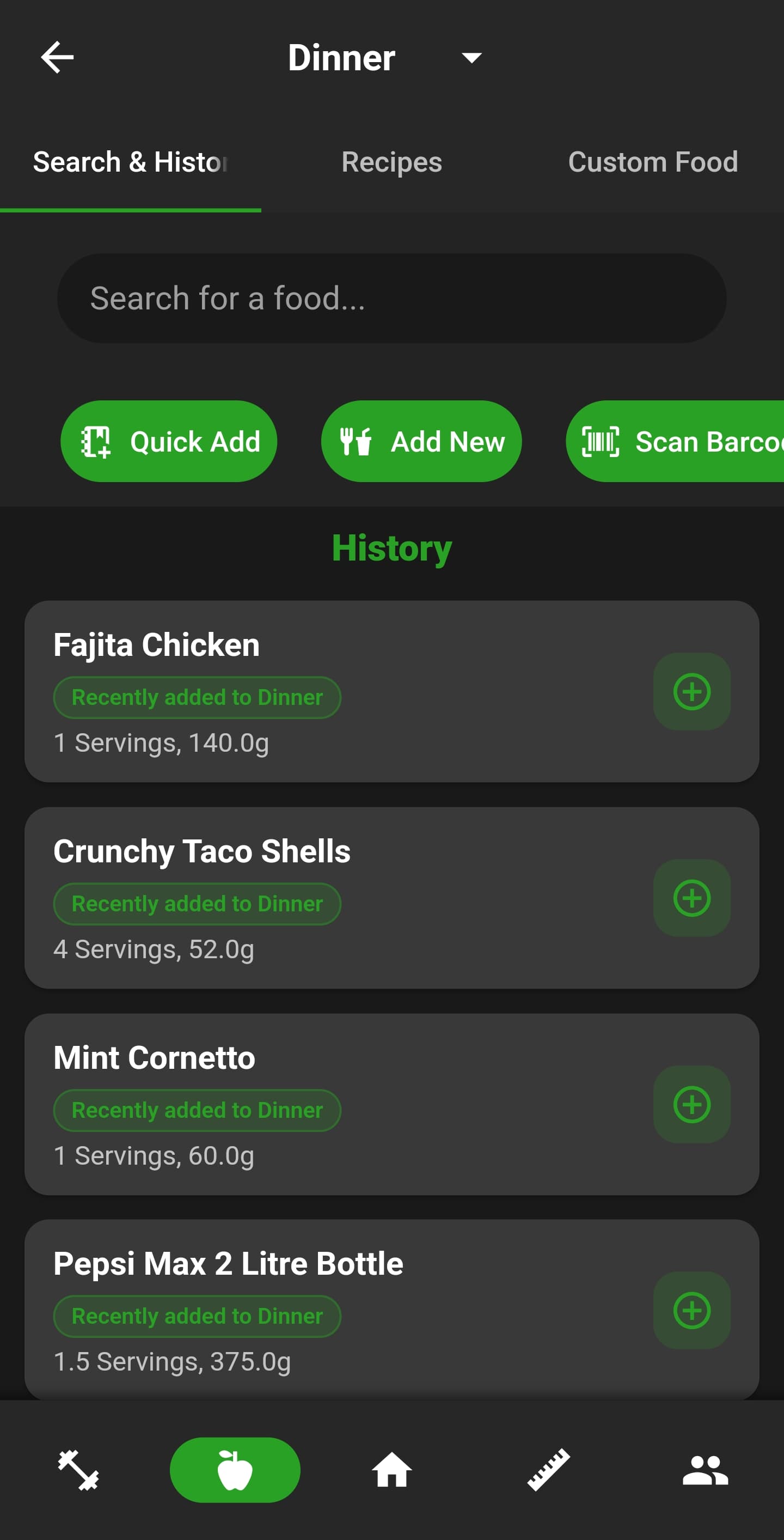
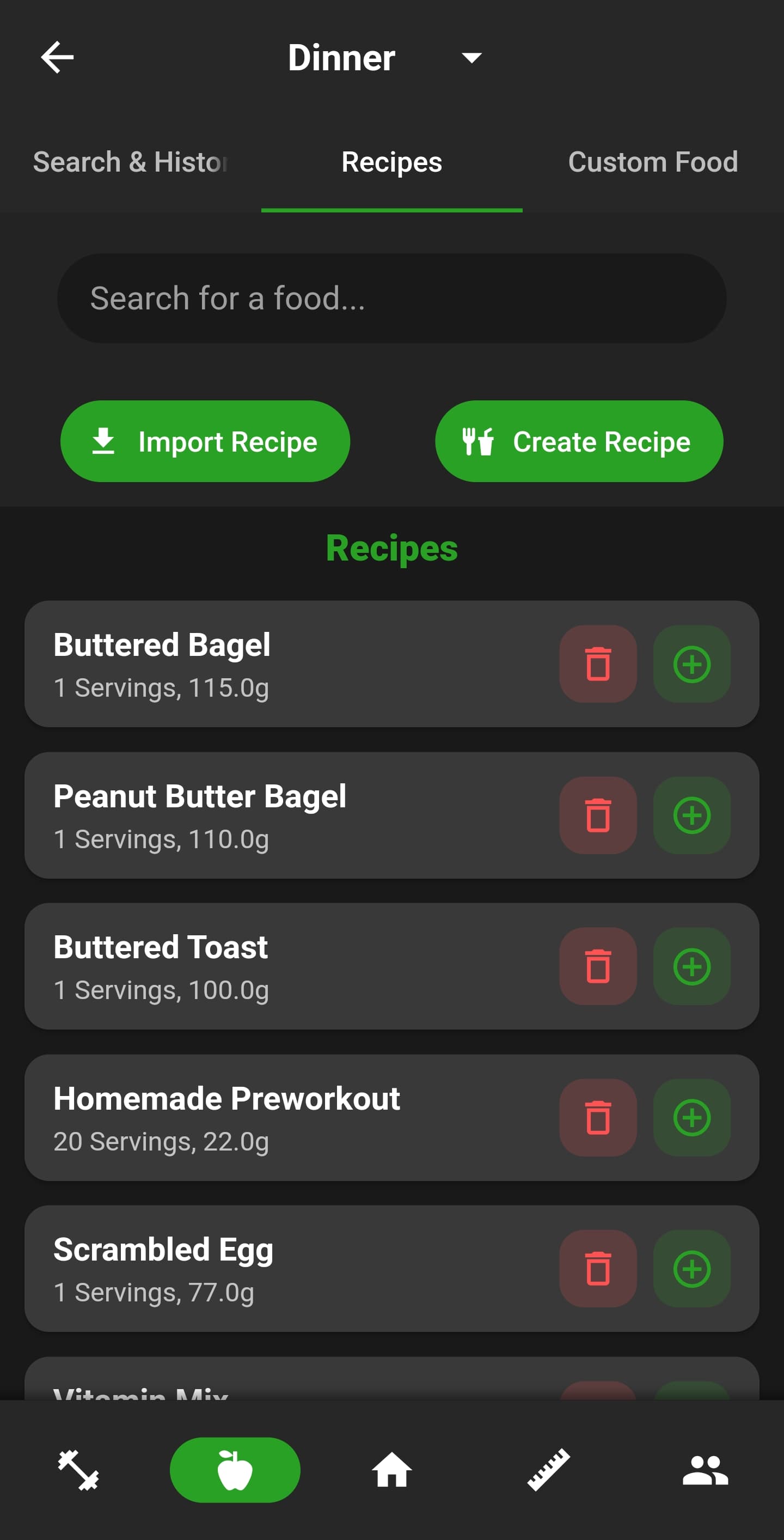
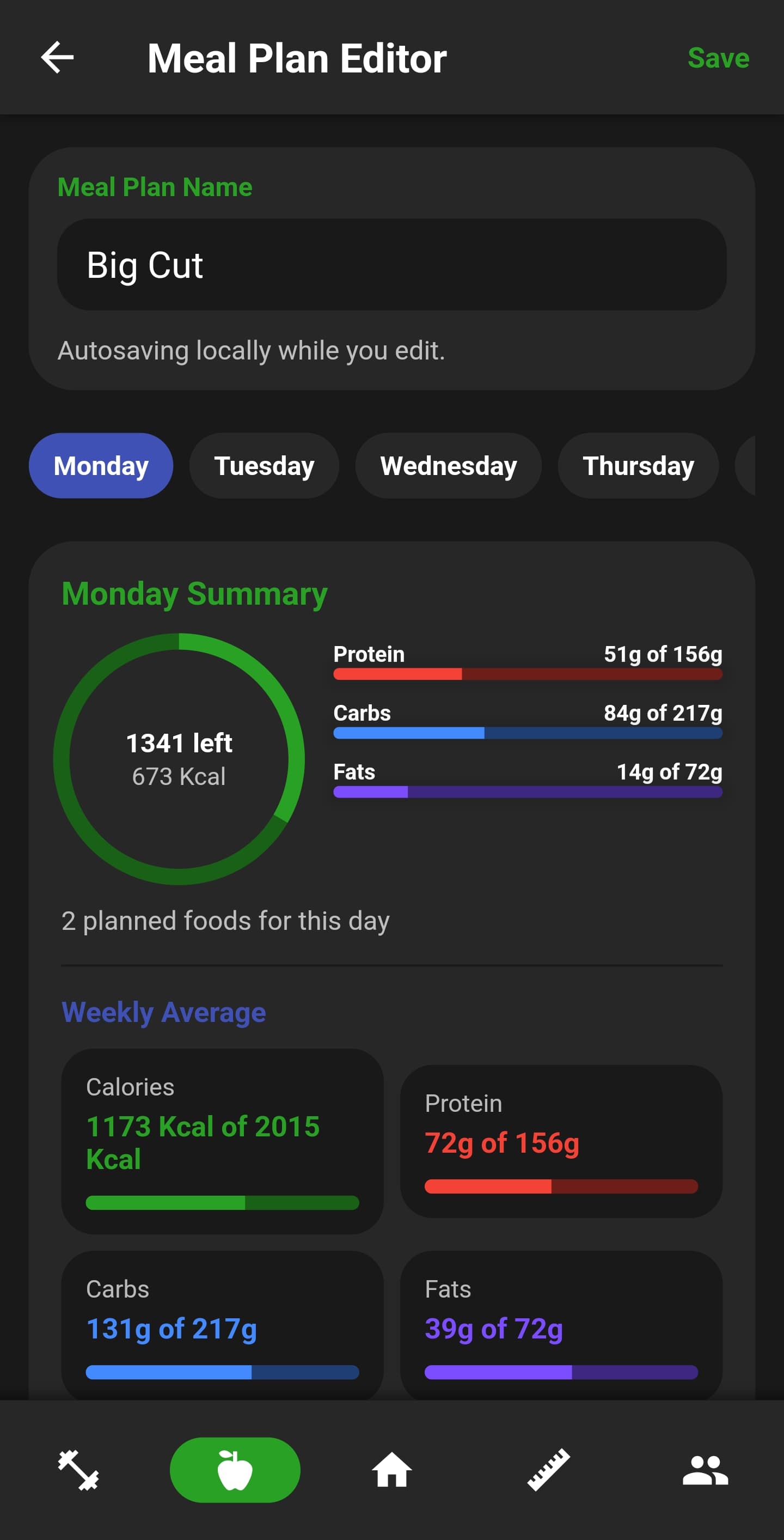
The diary is organised into breakfast, lunch, dinner and snacks. Search can surface recent, frequent and meal-specific suggestions; barcode lookup and the nutrition-label scanner speed up packaged-food entry; and every detected value can be reviewed before saving. Recipes calculate nutrition from ingredients, while reusable weekly meal plans, calorie goals, macros, water and micronutrients support deeper planning.



Strength training
Build the plan, follow coached sets and see what improved.
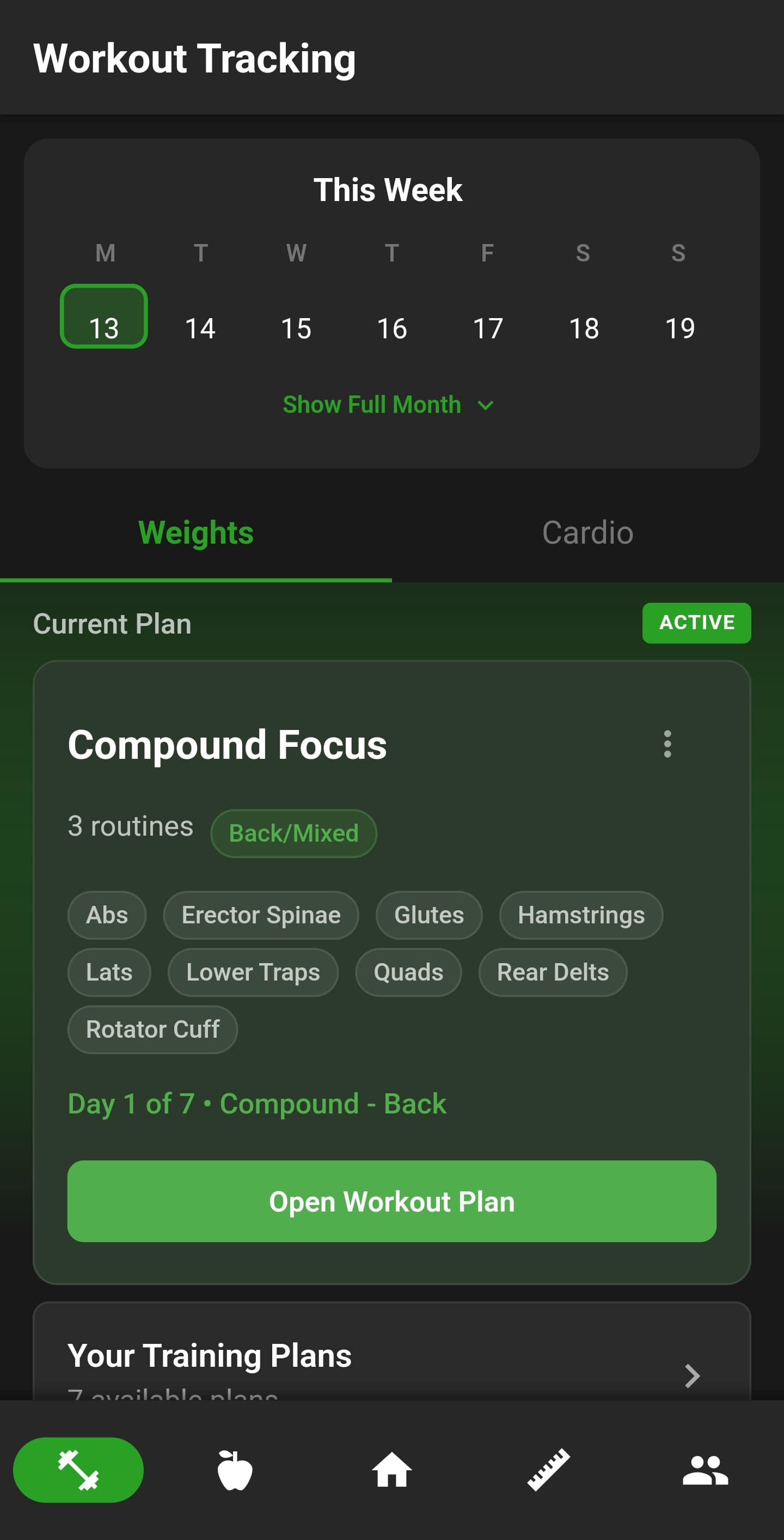
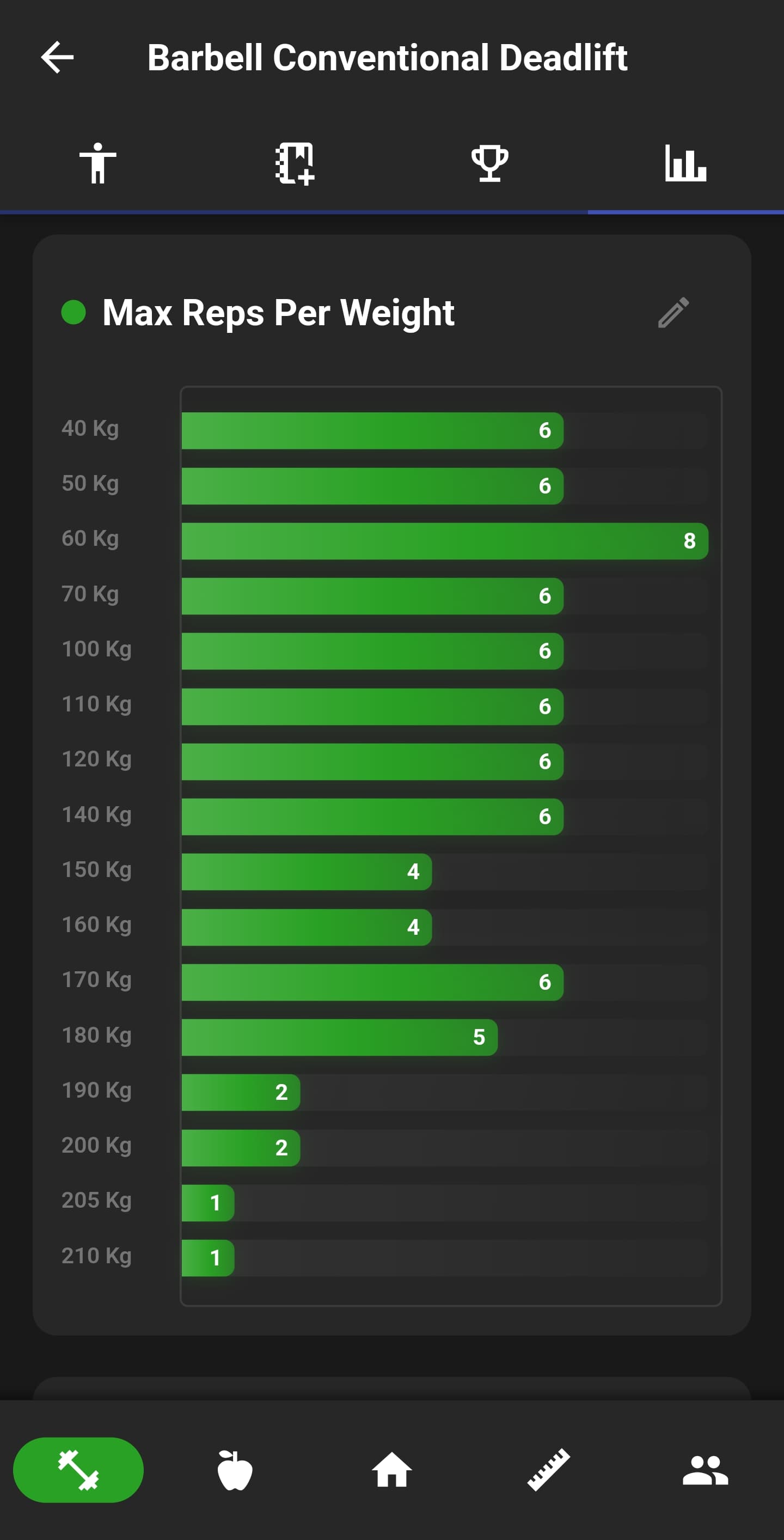
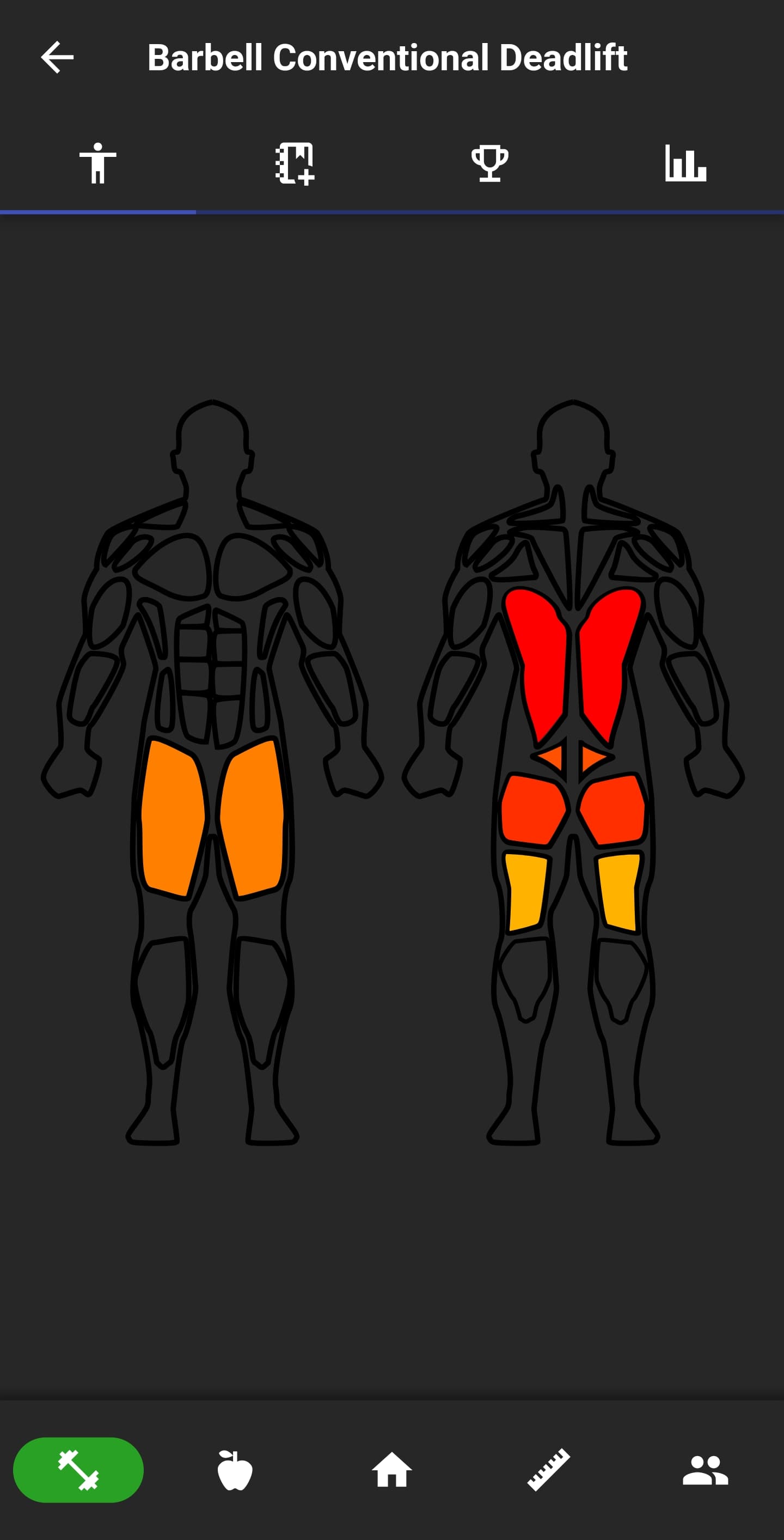
Training plans contain custom routines and ordered exercises for each day. During a workout, the app records sets, reps and weight, shows recent history and can suggest the next weight and rep target. Exercise pages add muscle diagrams, performance graphs and goals; finished sessions produce recaps and flag personal bests.
Cardio and route planning
Plan and follow routes for runs, walks, rides and hikes.
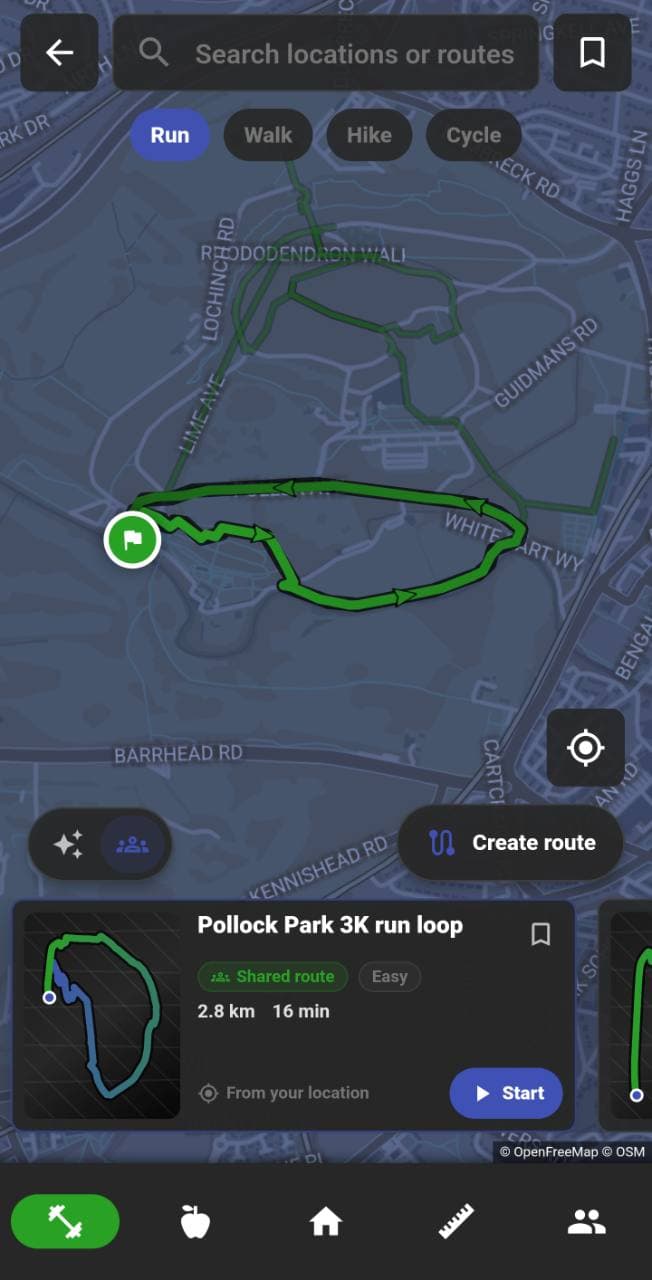
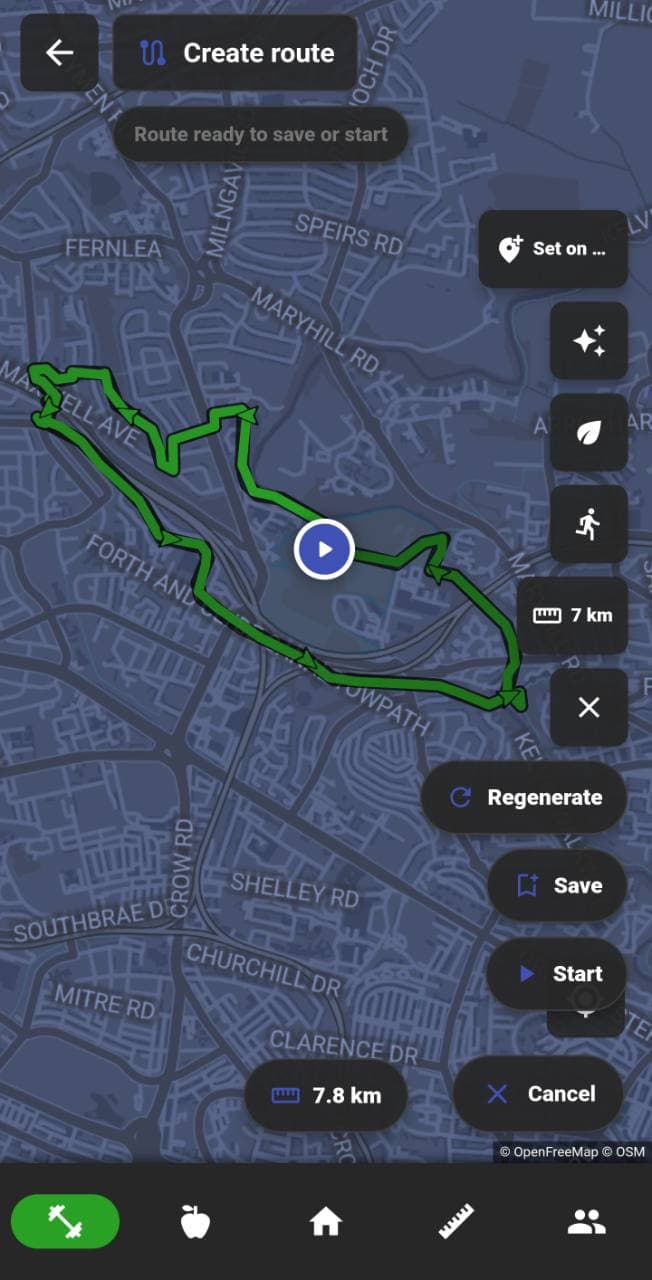
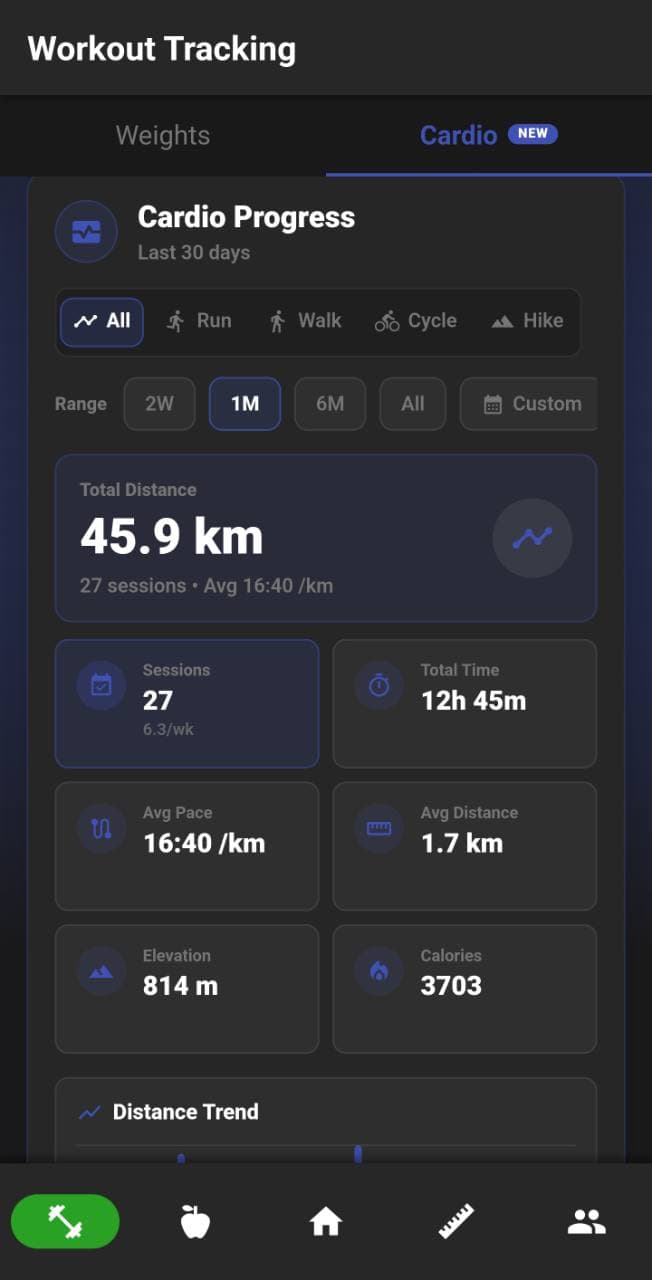
People can browse nearby shared routes, generate a route around a chosen distance, or draw and refine one manually. A saved route can be followed with live navigation while GPS records distance, duration, pace, calories and elevation. Completed activities remain available in cardio history and open into map-based summaries.
Progress and measurements
Weight, measurements, photos and training trends stay distinct.
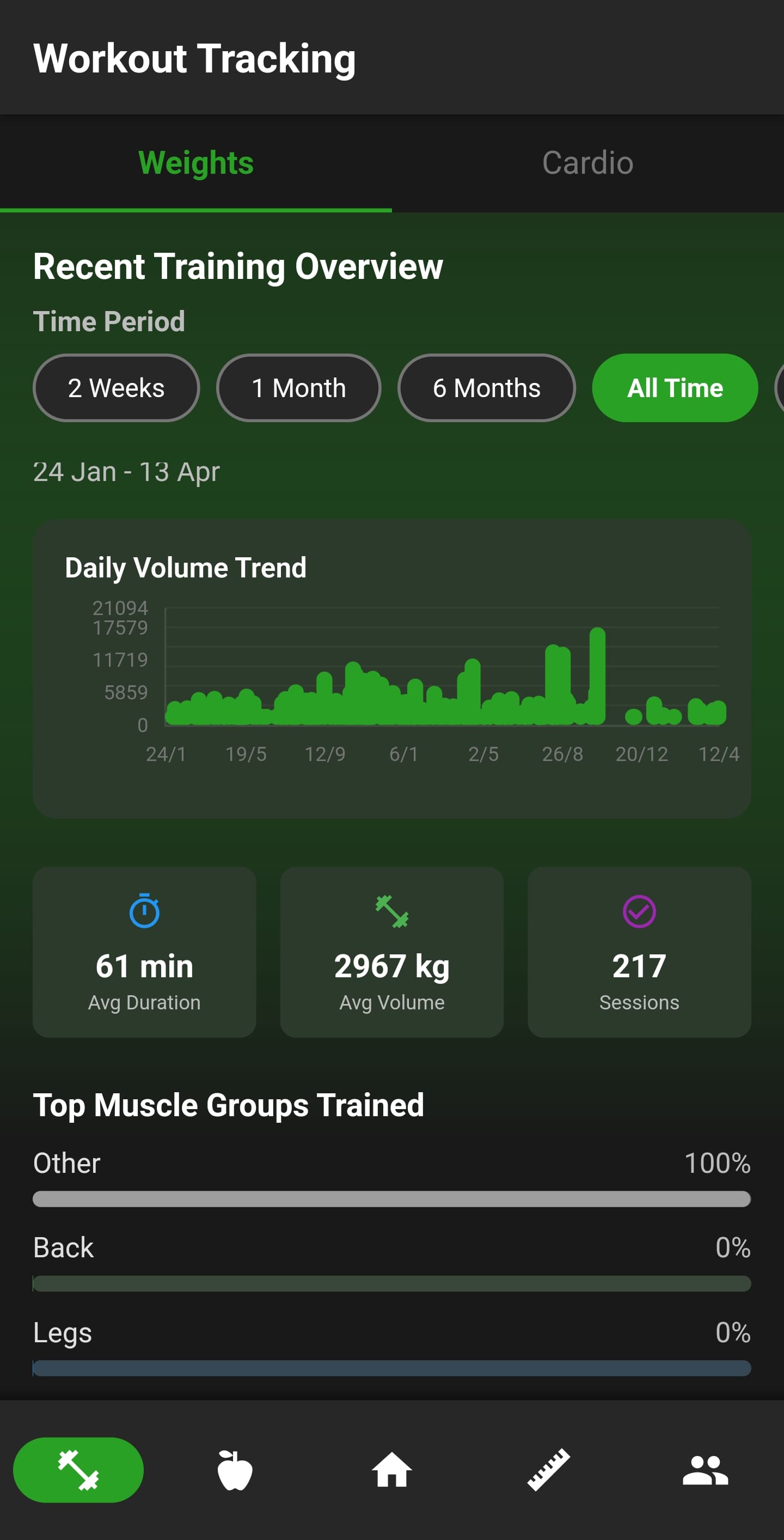
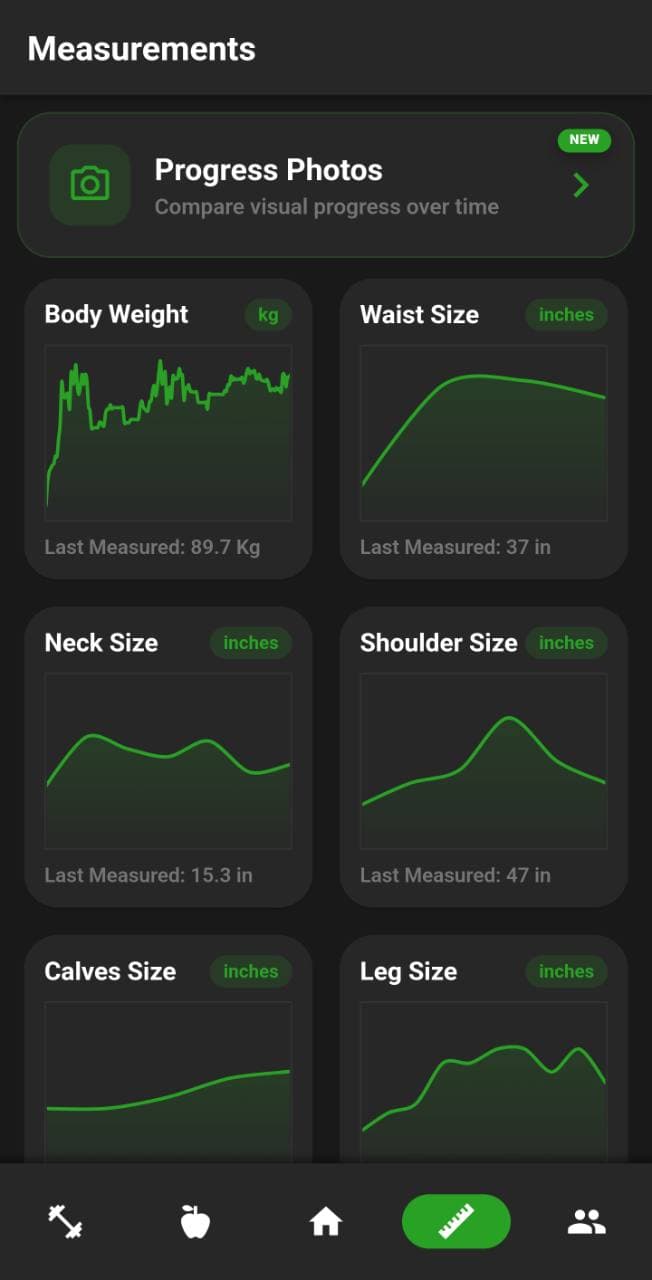
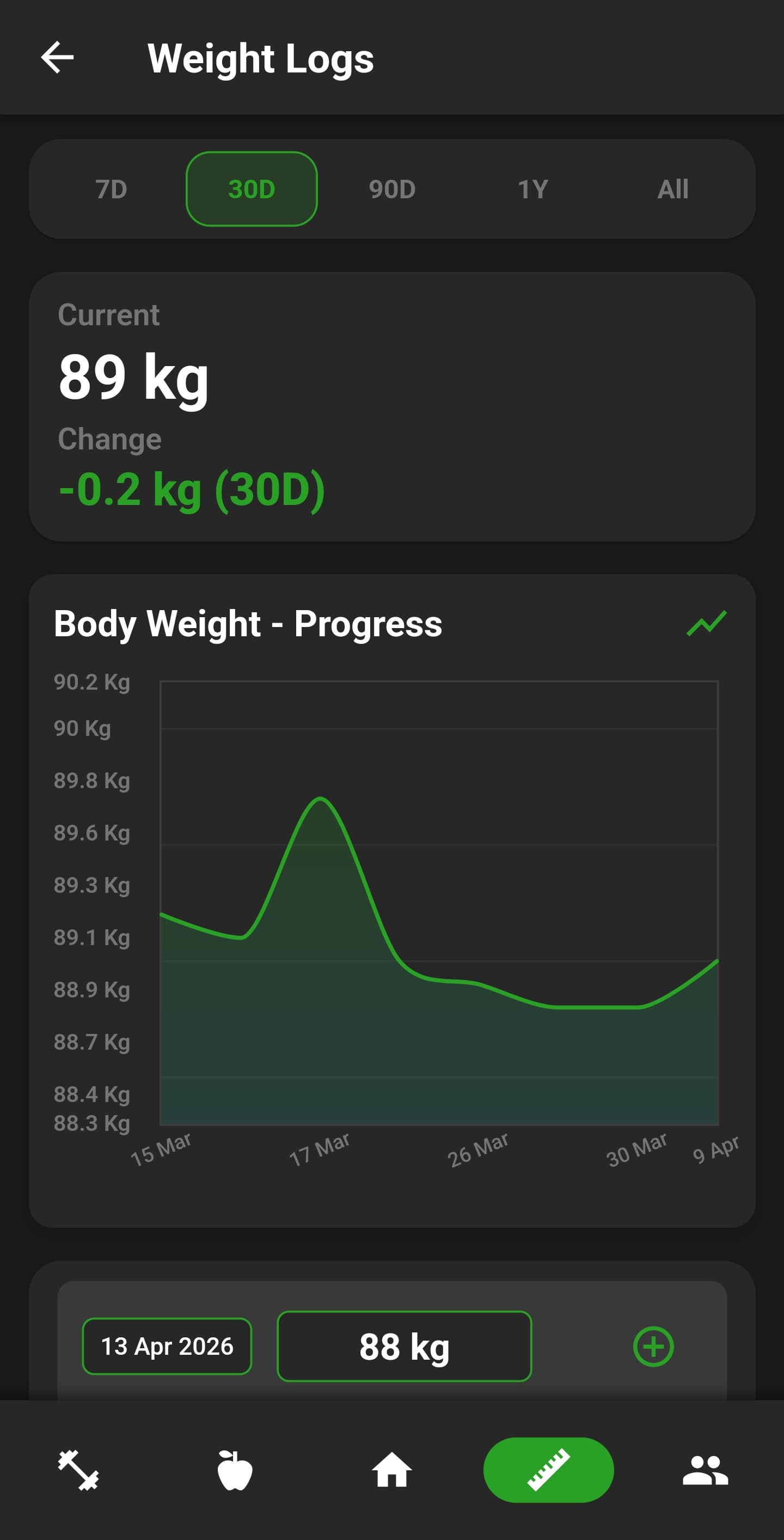
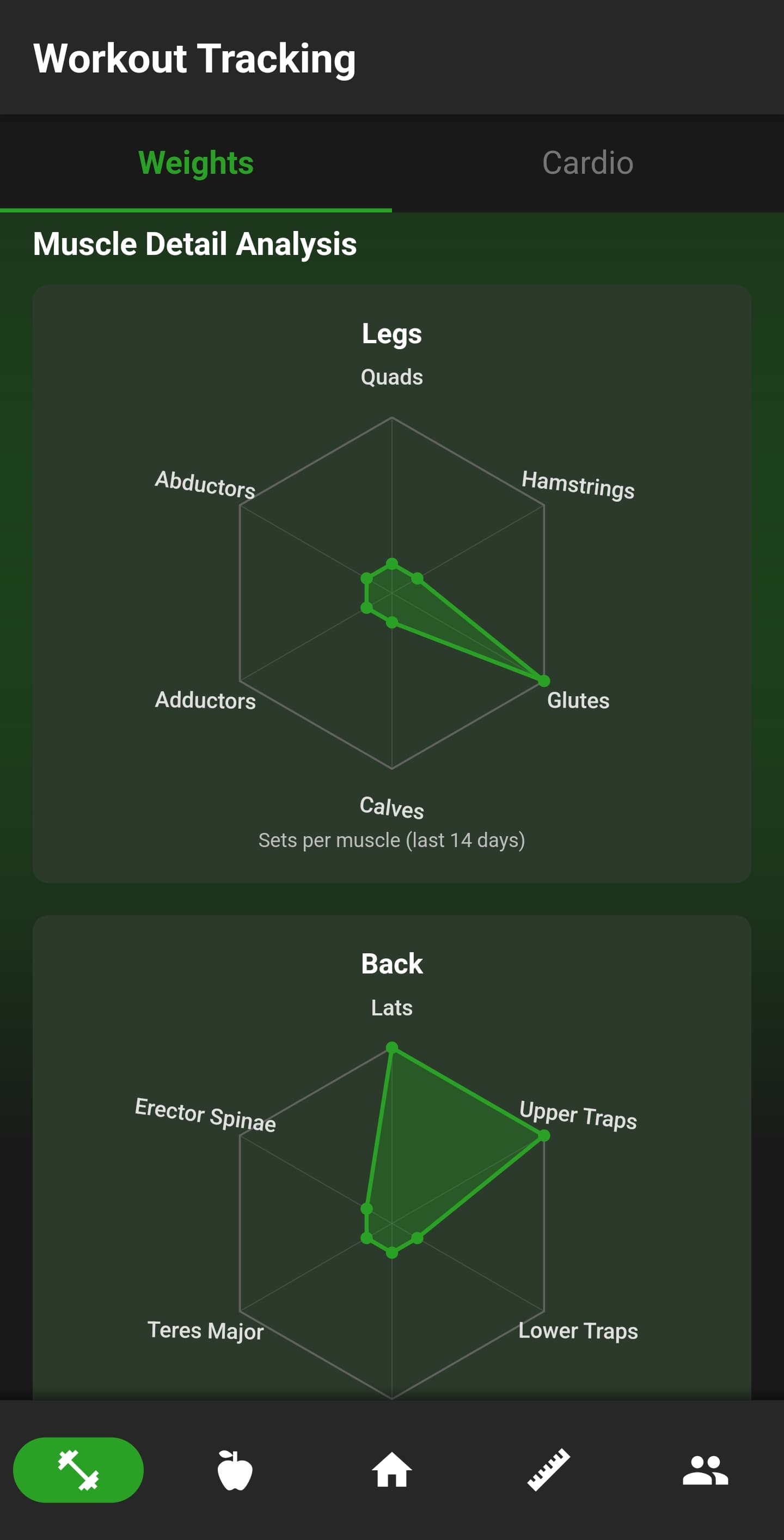
Weight logs support multiple date ranges and unit preferences. The measurements area tracks waist, chest, shoulders, limbs, body fat and custom entries, including context such as flexed or relaxed where needed. Progress photos provide a private visual timeline, while calorie averages, training volume, muscle coverage and muscle-detail analysis explain changes from different angles.
Dashboard and preferences
Choose what the home screen shows and how the app behaves.
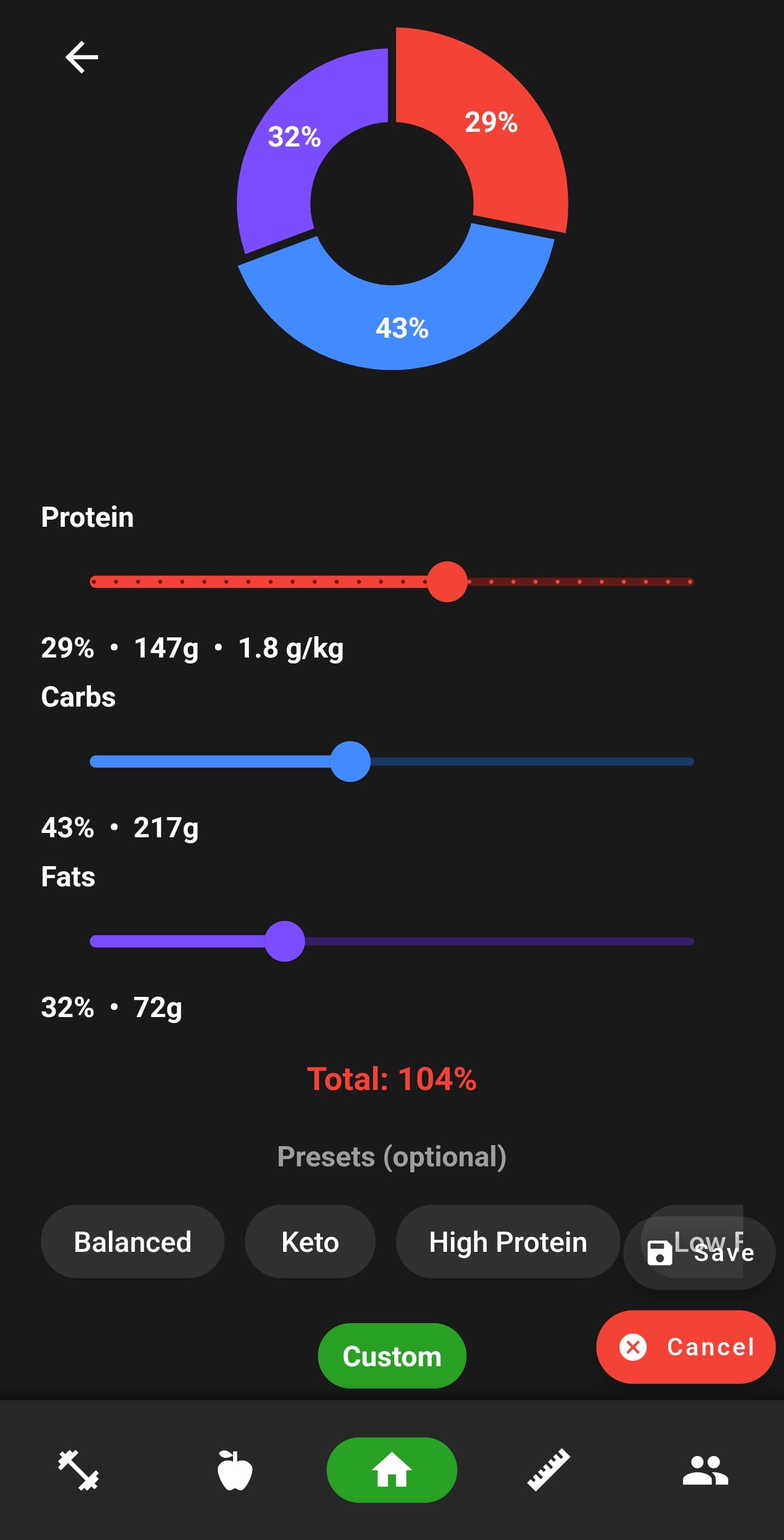
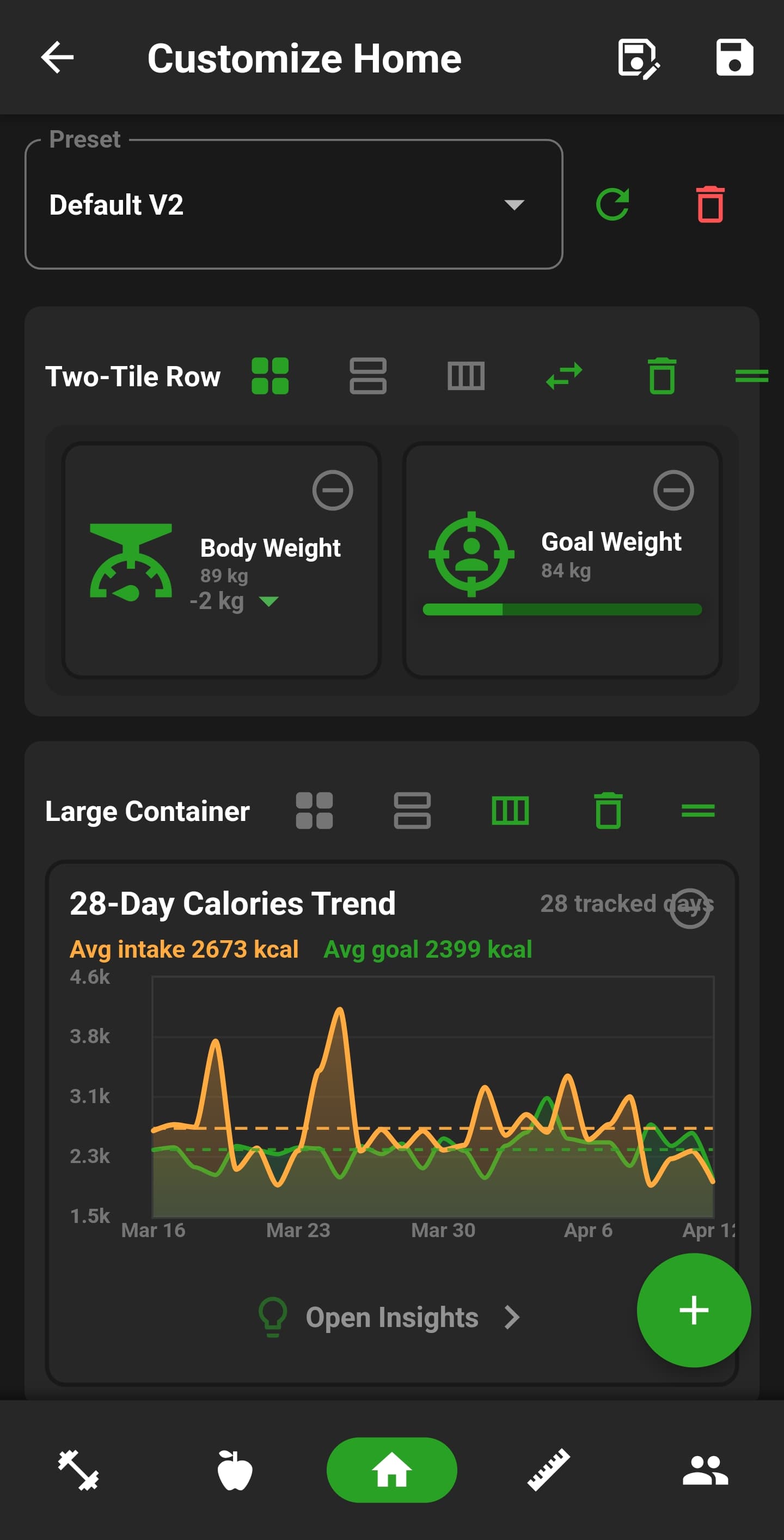
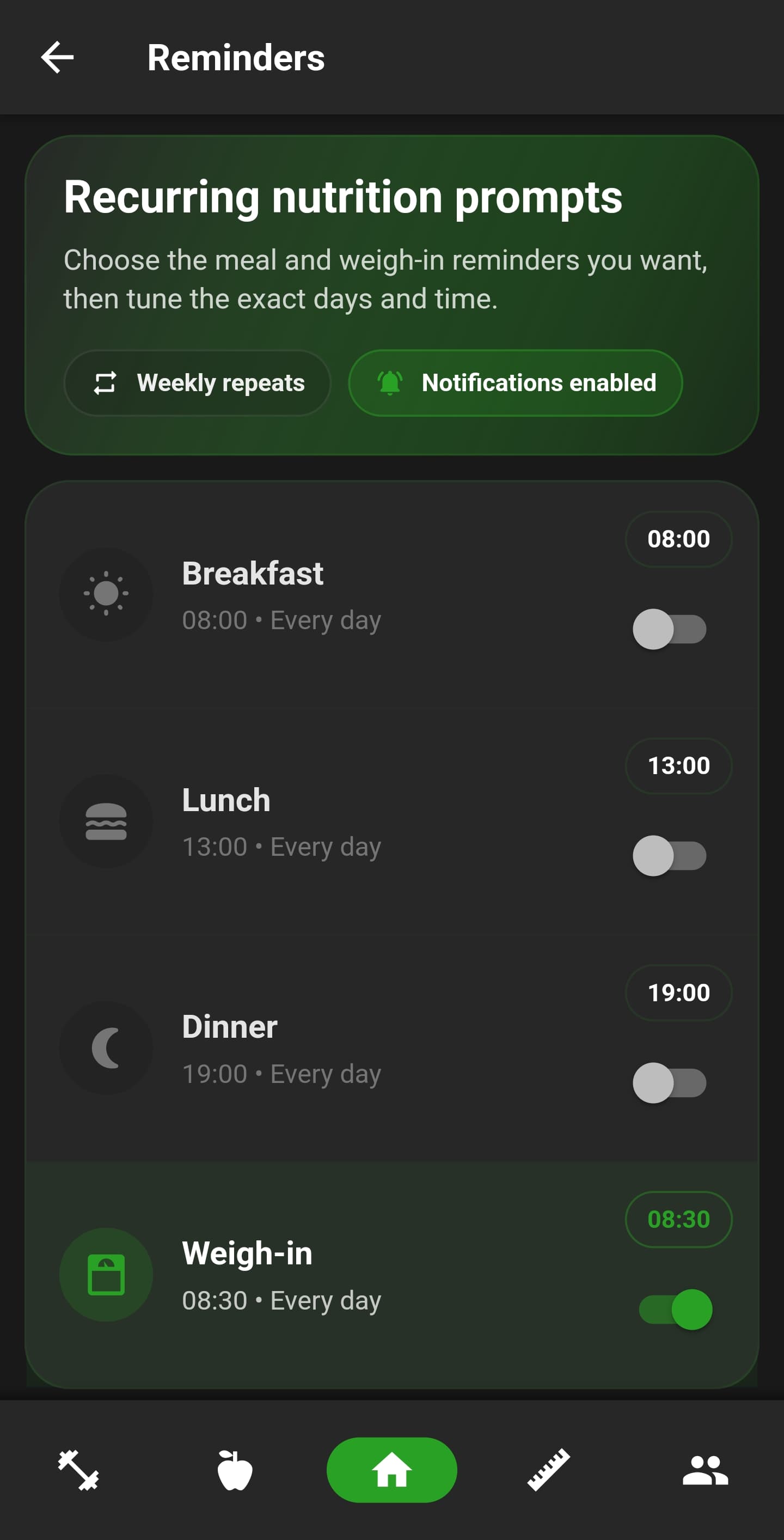
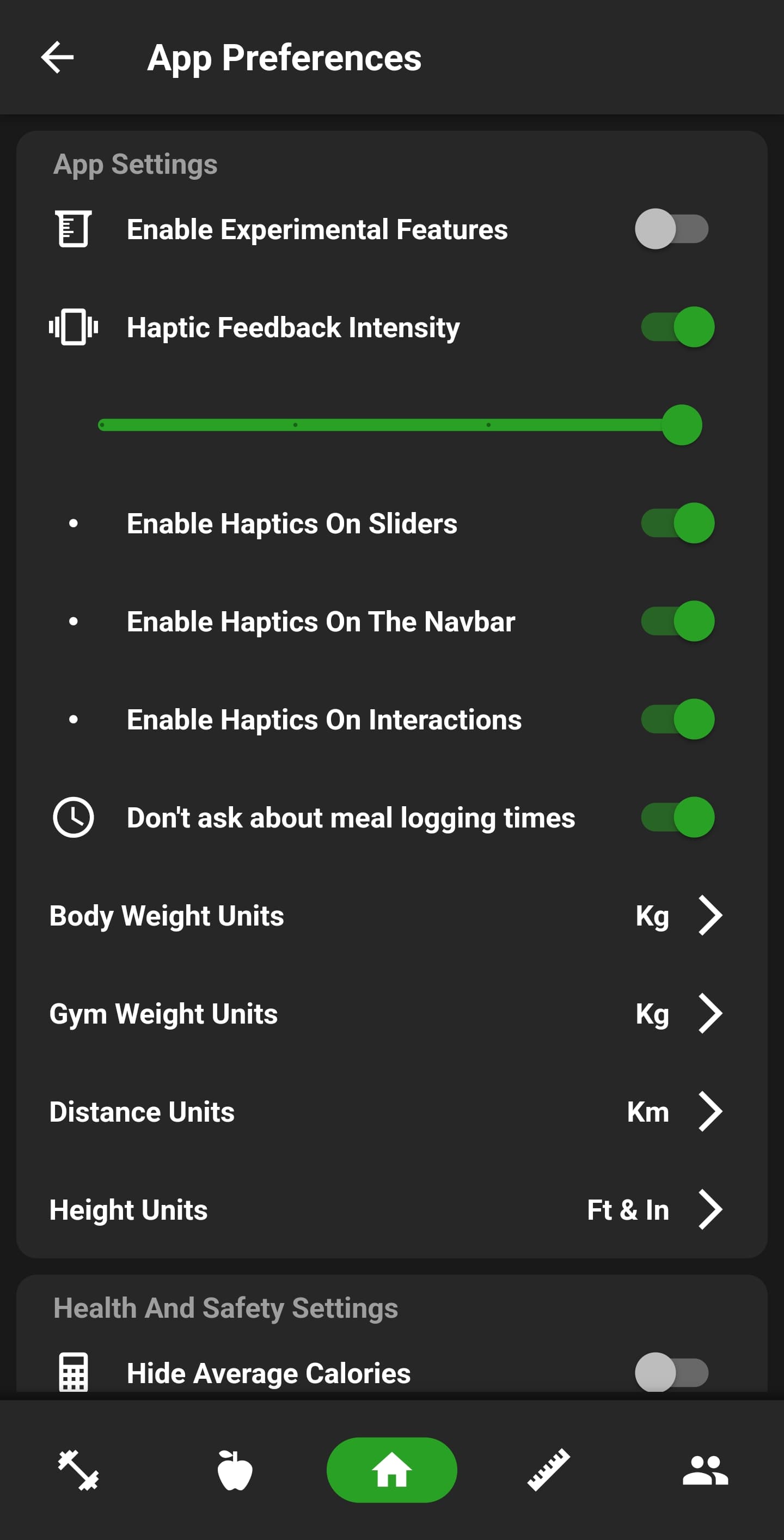
Dashboard tiles can show calories, macros, steps, water, weight, measurements, the current routine, streaks and group activity, then be enabled and reordered in the layout editor. App preferences cover units, theme, colour, haptics and feature toggles. Separate settings handle reminders, calorie and macro goals, Apple Health or Health Connect, Wear OS pairing and account privacy.

Rankings and badges
Logged training feeds visible exercise progression.
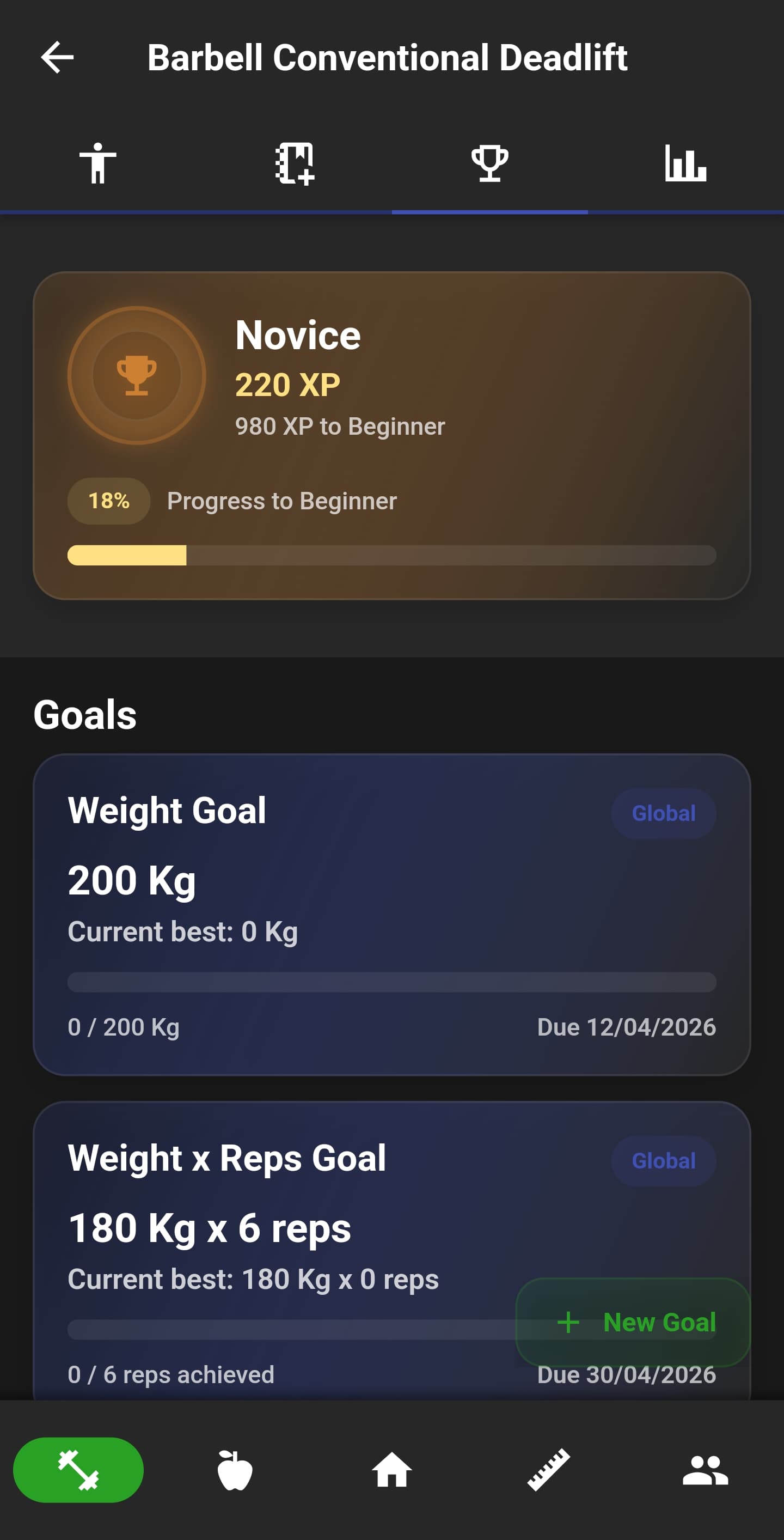
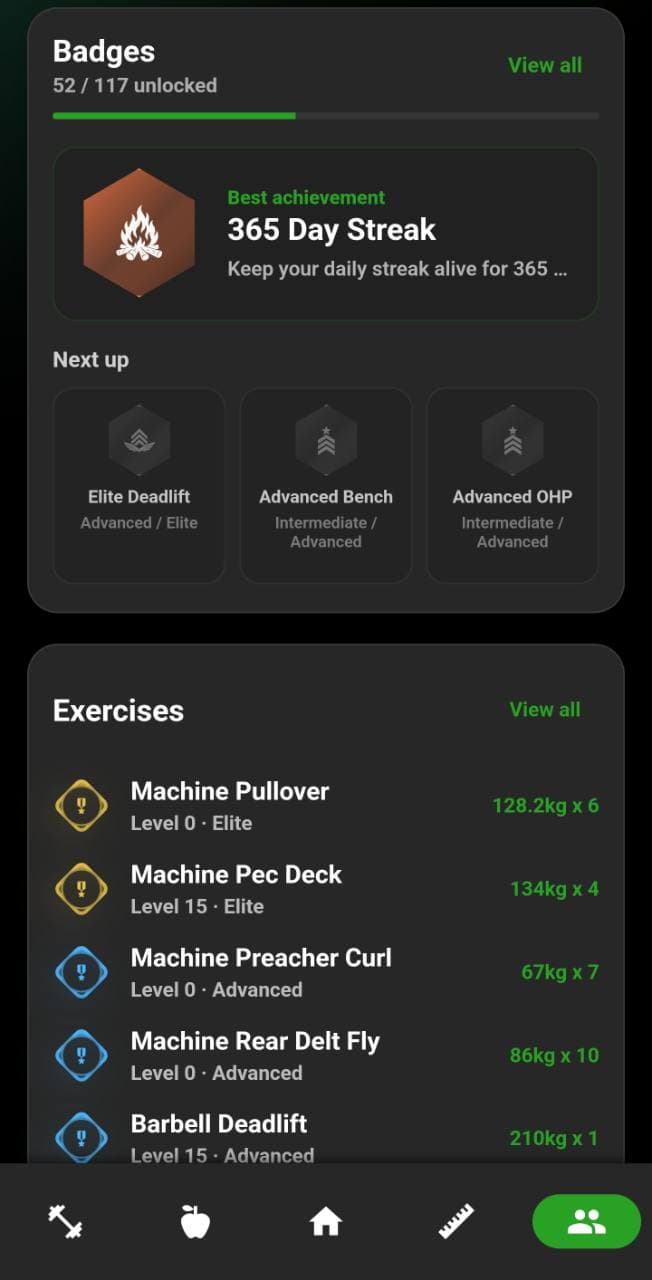
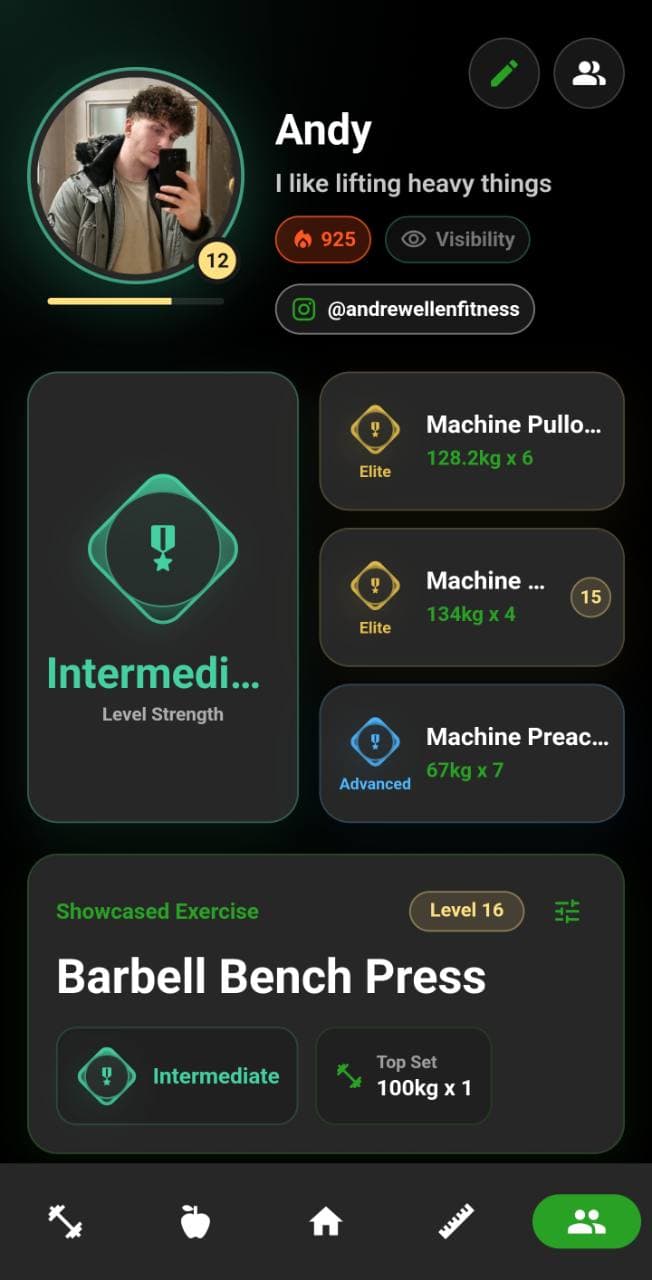
Exercise performance can update ranks, XP and badges instead of leaving progress buried in a workout history. The strength profile brings together exercise levels, best sets, estimated one-rep maxes, streaks and the next milestone. Comparison features use public profile data only when the person has chosen to make it visible.
Friends, groups and sharing
Share selected fitness activity without exposing the full record.
Profiles support an avatar, bio, social links, streaks and ranking badges with privacy controls. Friends can connect through codes, links or QR invites and exchange selected share cards. Groups add chat, goals, competitions, recent activity and shared training plans, while foods, recipes, workouts and completed logs can be shared as individual objects rather than opening private diaries.
Wear OS companion
Daily stats, workout controls and route directions move onto the wrist.
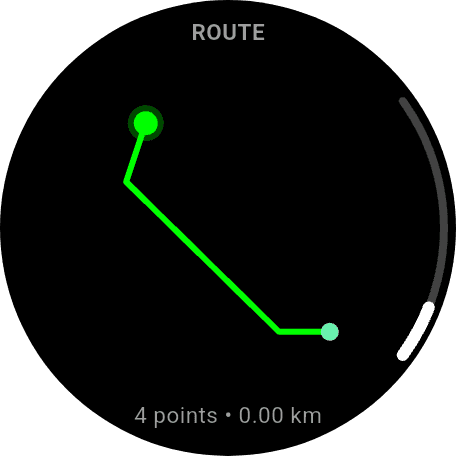
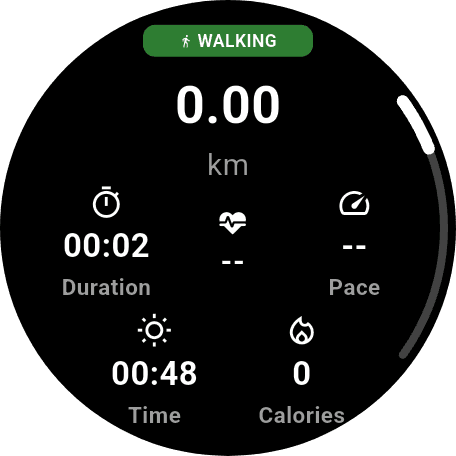
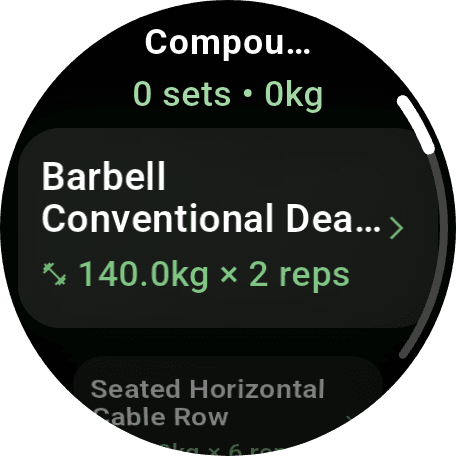
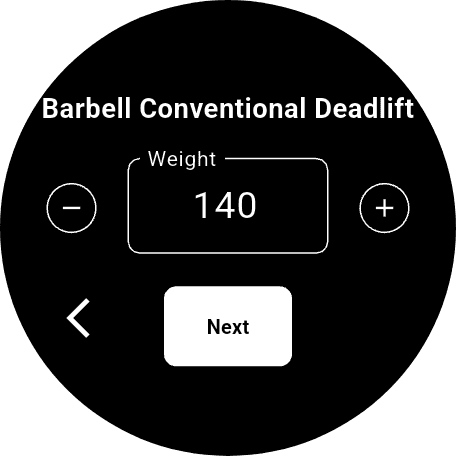
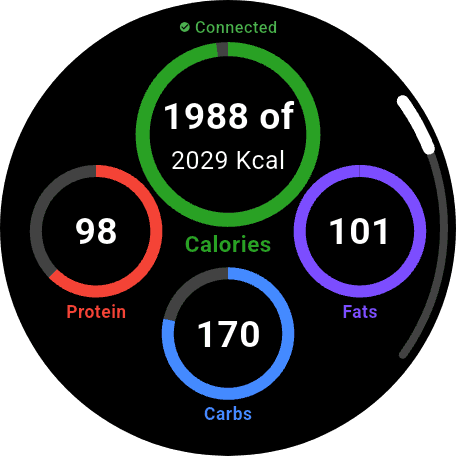
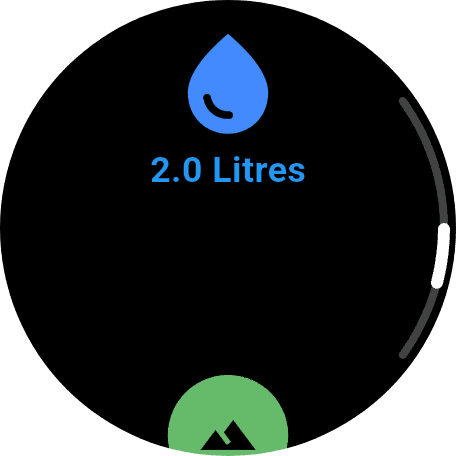
The watch app shows nutrition totals and water, opens training-plan workouts, records strength sets and controls cardio sessions. Routes can be previewed and followed with direction cues, while live activities show distance, time, pace and calories. Pending workout data can be held when the connection drops and synced back to the phone when supported.
Available now
The mobile app, watch companion and website ship as one product.
NutriMotion is available through the App Store and Google Play, with the public website covering its features, pricing, support and download routes.
Visit NutriMotion